
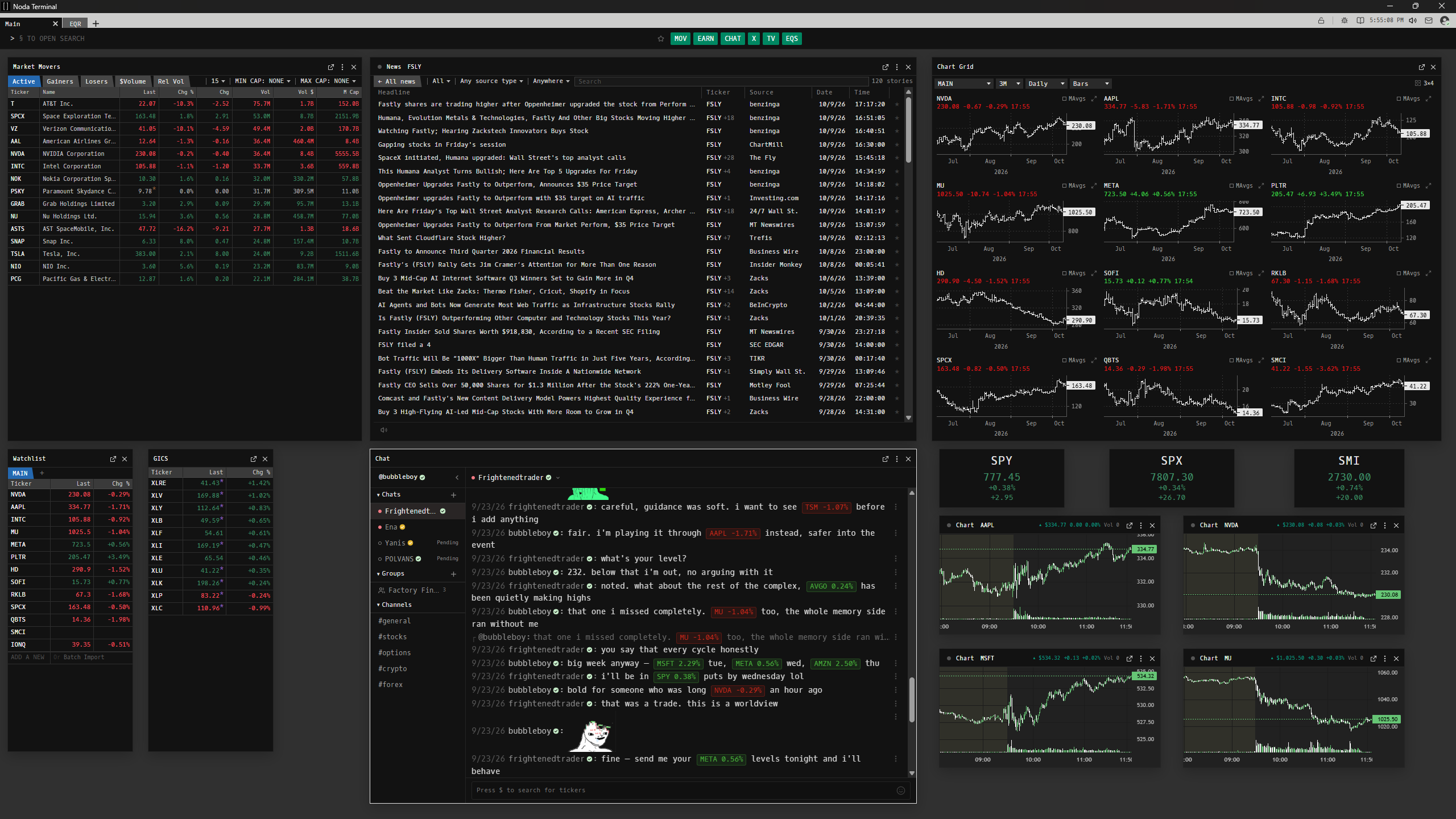
One workspace, thirteen widgets. Point at one to see the code that opens it.
A market terminal that runs on your own computer.
Build a workspace out of widgets — a chart, a chain, a wire, a screener — arrange them however you like, and reach any of them by typing.
Your terminal.
A canvas you lay out yourself, not a dashboard someone else designed.
- Move and resize widgets freely, and group the ones that belong together.
- Pop one out into its own window, onto a second screen.
- Save the arrangement as a workspace, and switch between them from the tabs.
Your machine.
A desktop application, not a browser tab. What you build stays where you built it.
- Layouts, watchlists and notes live in a local database on your computer.
- The assistant runs Claude or ChatGPT locally, on your own plan. Nothing is billed through Noda.
- Live TV plays channels you add yourself, beside everything else.
Your keys.
Data comes from providers you connect yourself, and goes straight to you.
- Keys are sealed in an encrypted vault by your operating system's own credential store.
- Never written into a layout or a log, and never sent to Noda.
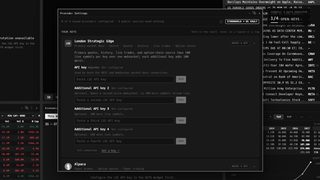
- Keyless sources mean a new install is useful before you sign up for anything.
Type what you want to see.
Press §, the key just before 1, and the whole catalogue opens. Every widget has a short code. Put a ticker in front and it opens on that company. How a command reads.
More than fifty widgets. Each one is a code.
The market, one company at a time, the news and the calendar, your portfolio and your broker, and the community — all a few keystrokes away.
A page in the guide, with the screen it draws.
Build your own workstation.
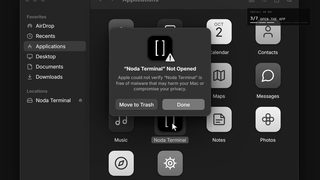
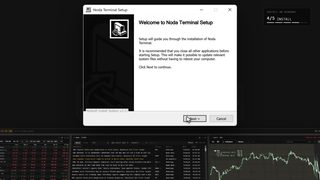
Download it, connect a provider or two, and start typing.
Hear when there's news.
An email when a release brings something worth knowing about. Nothing else.
You're on the list. We'll write when there's something to tell.
That didn't go through. Check the address, or try again in a minute.
Never shared, never sold, and a link off the list in every email. Privacy